

Palvelun osoite on https://diarymap.paxsudos.fi
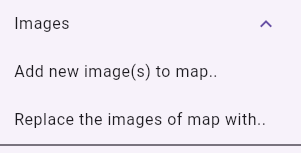
Add new images to map:
Adds new images to current map.
Replace images of map:
Replaces images current map.
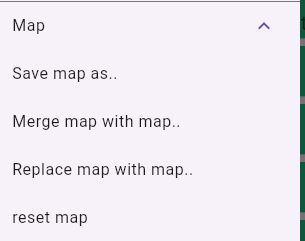
Save map as:
Saves current map: The images and comments are saved in YML fashioned file.
Merge map with map:
Merges loaded map to current map. Merged images and comments override the items already put on map.
Replace map with map:
Replaces the current map with new one loaded from file.
Reset map:
Clears the map form all images and comments.
Save map as:
Saves the map’s state. All images and comments are saved in YML-file.
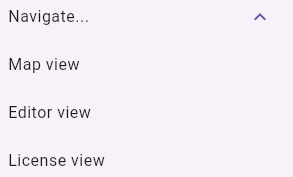
Navigate: Map view
Opens map view.
Navigate: Editor view
Opens editor view.
Navigate: License view
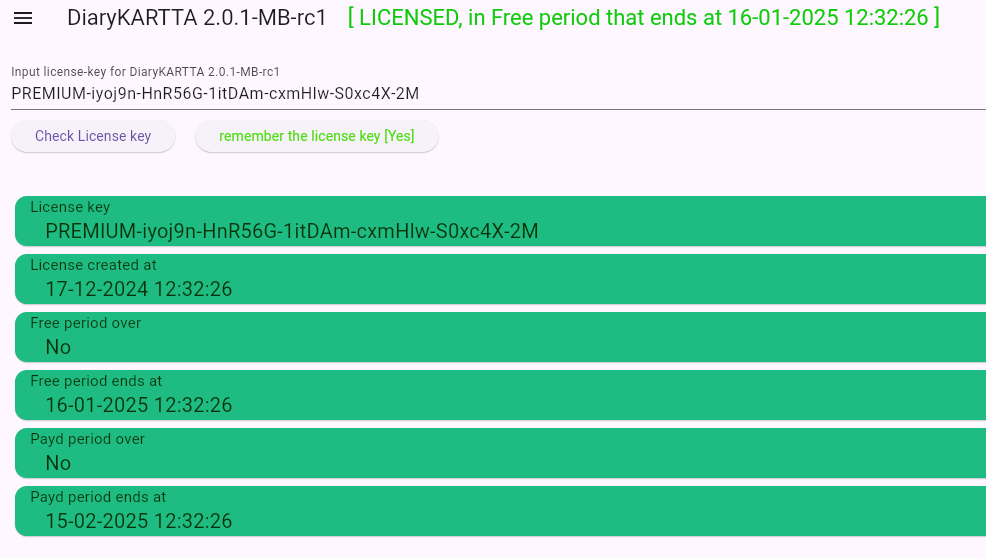
Open License information view where the license key is validated.
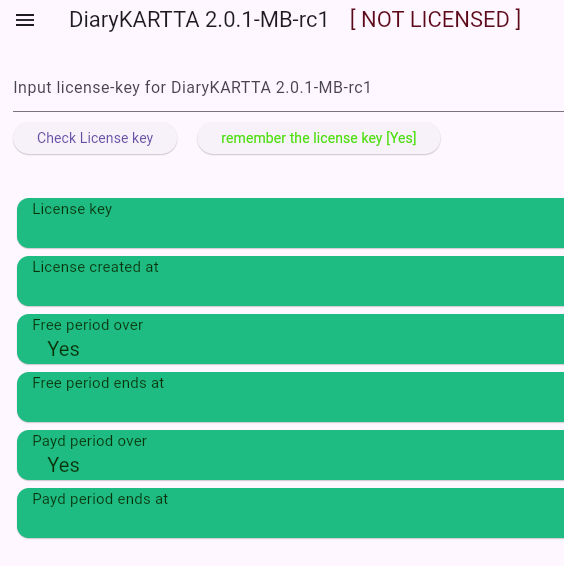
License view:
To activate license, click on the Input area and give the license-key. If license is valid you can always check the license key information from this view.
When license is activated and it is valid, the following information is provided.
Lisenssin hyväksynän jälkeen, kenttiin päivittyy lissenssi tiedot.
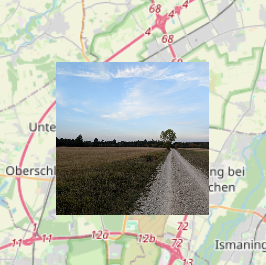
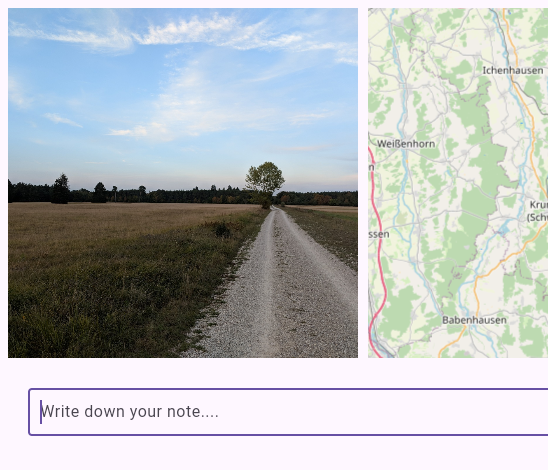
By clicking the plotted iamge, it opens the comment editor fro the image where you can comment the image.
In comment editor one can leve comment that may have multiple lines.
You can fast navigate to map view by clicking the title text.